Key takeaways:
- Snowflake security works best as layers: Control access, encrypt the data, limit what each user sees, and monitor continuously.
- The biggest recent shift is at the front door: Multi-factor authentication is now the default, so strong authentication and least-privilege roles are the foundation.
- Most controls are built in and policy-driven, so a well-configured account stays secure as it scales.
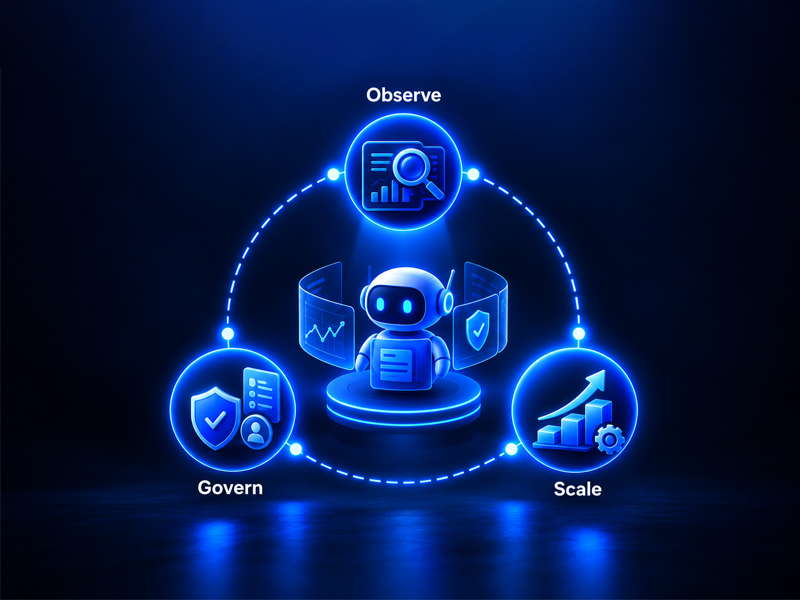
Moving sensitive data into a cloud platform is a decision every data team weighs carefully, and Snowflake is built to make that decision an easy one. Rather than a single setting, security in Snowflake is a set of layers you configure deliberately: Who can get in, how the data is protected, what each person is allowed to see, and how activity is monitored. Handled together, these layers give you strong protection without slowing your teams down. Here is how they fit together.
Control Who Gets In
Access is the foundation, and it is where Snowflake has strengthened the most. Role-based access control (RBAC) lets you grant each user only the privileges their role requires, so access maps to responsibility rather than convenience. On top of that, Snowflake now makes multi-factor authentication (MFA) the default for new accounts and has phased out password-only sign-in, which raises the security baseline for every account. For enterprise environments, single sign-on (SSO) through your identity provider and key-pair authentication for service connections keep access both strong and manageable. Network policies add a further layer by allowing connections only from trusted address ranges.
Protect the Data
Snowflake encrypts your data automatically, end to end, with no action required from your team. It uses Advanced Encryption Standard (AES) 256-bit encryption managed through a hierarchical key model, and it protects data in transit with Transport Layer Security (TLS). Keys rotate automatically on a regular schedule, and periodic rekeying re-encrypts older data under fresh keys over time. Because this happens by default, strong encryption is one layer you get without extra configuration.
Limit What Each Person Sees
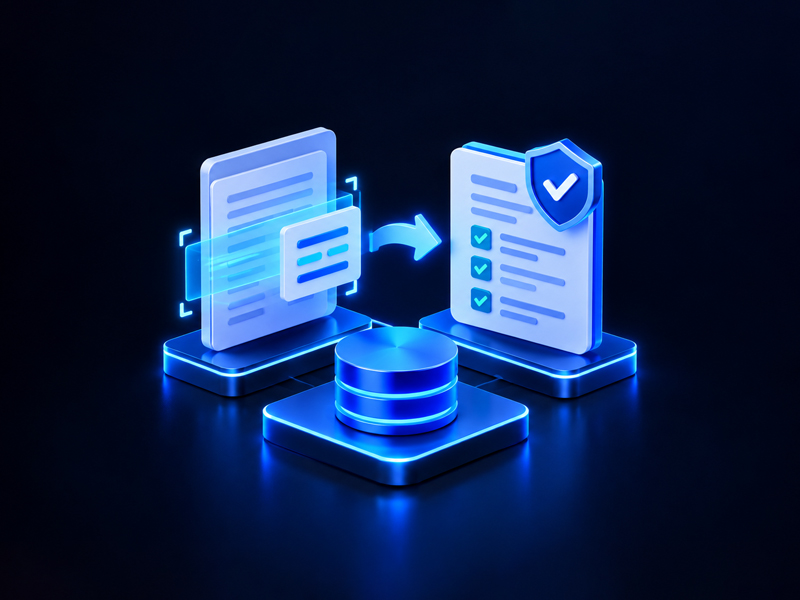
Beyond who gets in, Snowflake controls what each authorized user can see. Row access policies filter rows by user or role at query time, so the same table can safely serve different audiences. For columns that hold sensitive values such as identifiers or account numbers, dynamic data masking hides them from unauthorized roles while showing them to those who are cleared, and external tokenization protects values before they ever land in a table. Masking policies can be applied at scale through object tags, and secure views let you share results without exposing the logic behind them.
Govern and Monitor Continuously
Good security is verified, not assumed. Snowflake's Trust Center continuously checks your account against security best practices, including whether MFA and network policies are in place, and flags gaps to address. Access history and activity monitoring give you a record of who queried what and when. Snowflake also backs the platform itself with regular third-party penetration testing and infrastructure vulnerability scans, so the foundation your controls rest on is independently tested.
Building Security That Scales
Handled as layers, these controls let data teams adopt Snowflake with confidence and keep it secure as usage grows. As a Snowflake partner, KPI Partners helps organizations design and harden Snowflake environments, from the access model and authentication through masking and monitoring. When security is part of a move onto Snowflake, our Data Platform Migration Accelerator builds these controls in from the start rather than bolting them on later.